Before understanding C++, let's first understand what programming actually is
1. What is Programming?
Think of a computer like a very fast assistant
- Imagine you have an assistant who can work extremely fast
- You tell the assistant what to do, and it completes the work quickly
- But you need to give the assistant clear instructions step by step
- Once you give the instructions, it follows them and gets the work done
What is programming?
- Programming is simply telling a computer what to do
- For example: Take 10, take 20, add them, and show the answer
- The computer follows these instructions and gives us 30
- This process of giving instructions to a computer is called programming
- Computers can't understand our languages like Telugu, English, etc. directly
- So we use programming languages like C++, Python, Java, and JavaScript to give computers instructions
2. What is C++?
- C++ is a programming language created by Bjarne Stroustrup at Bell Labs
- It was first developed around 1979, and it was originally called "C with Classes"
- C++ was built from the C programming language. It kept much of C's speed and control while adding features that made it easier to build bigger and more organized programs
- C++ became especially useful for programs where speed, performance, and control are important
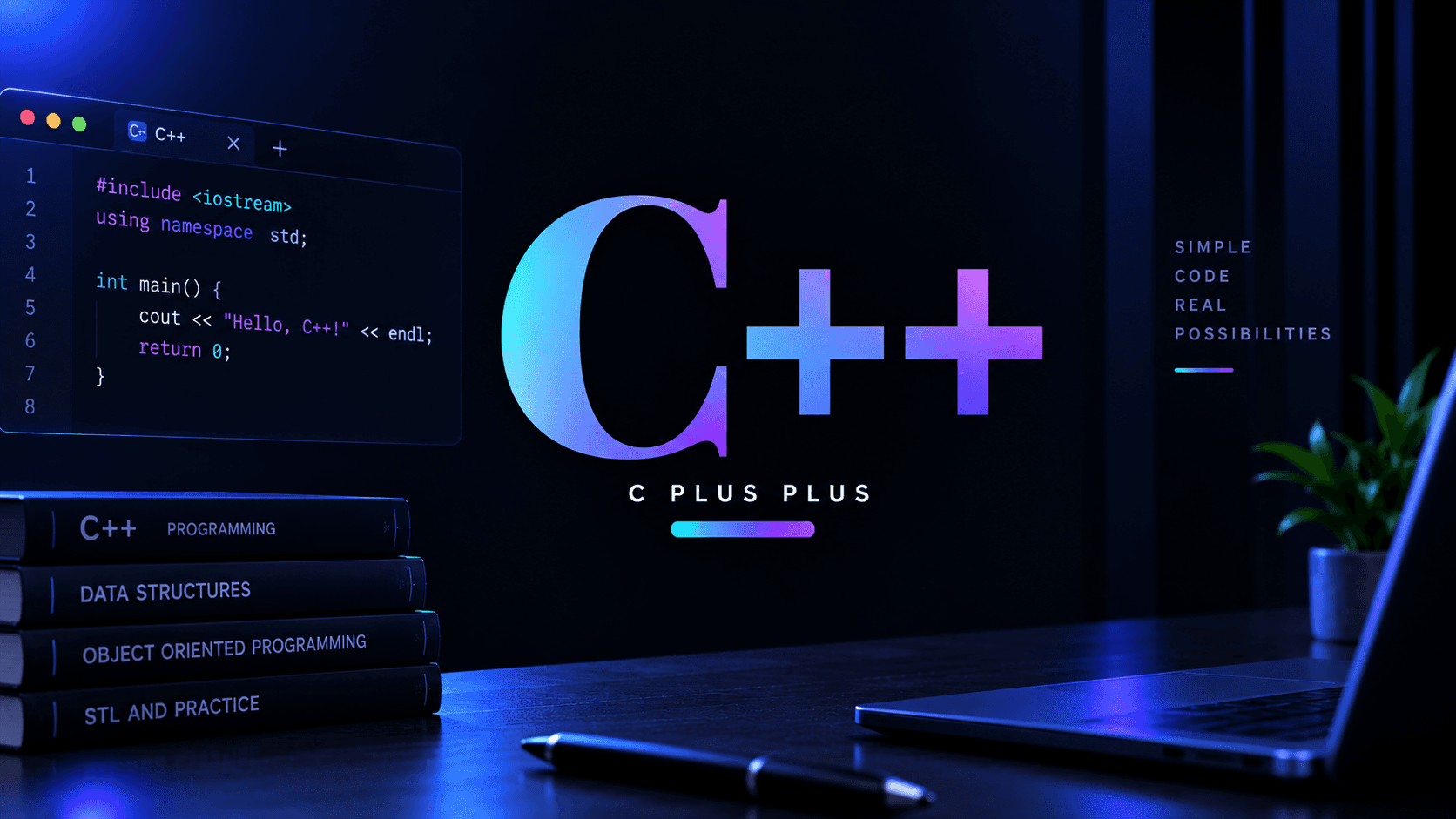
How C++ code looks?
3. Where C++ is actually used in real life
- Game development — C++ is widely used in game engines like Unreal Engine and in games where speed and performance are important
- Operating systems — C++ is used in parts of operating systems and other software that works closely with the computer
- Web browsers — browsers like Chrome and Firefox use C++ for many parts where high performance is important
- Desktop software — C++ is used to build applications that need high performance, such as parts of software like Adobe Photoshop
- Embedded systems — C++ can be used in cars, robots, industrial machines, and other smart devices
- High-performance applications — C++ is used when programs need to process large amounts of data or perform difficult tasks quickly
4. What Makes C++ Special?
- Very fast — C++ can run very quickly and use computer resources efficiently, which makes it useful for applications where performance matters
- More control — C++ gives programmers more control over how their programs use the computer's resources
- Object-oriented programming — C++ lets you organize programs using classes and objects. A class is like a blueprint, and an object is something created from that blueprint
- Memory control — C++ gives programmers more control over how memory is used by their programs
- Multiple programming styles — C++ supports different ways of writing programs, including procedural, object-oriented, and generic programming
- Strong foundation — C++ helps you understand programming, memory, data structures, algorithms, and what happens inside a computer
- Powerful standard library — C++ provides many ready-to-use tools that help you write programs without building everything from scratch
5. Should you Learn C++ First?
- Learn C++ if you want to build a strong programming foundation and understand how programs work more deeply
- C++ is a good choice if you're interested in software development, Data Structures and Algorithms, competitive programming, game development, system software, or high-performance applications
- C++ is especially useful for Data Structures and Algorithms because its STL (Standard Template Library) provides ready-to-use tools like vectors, sets, maps, stacks, queues, and useful algorithms
- If your goal is simply to start building websites, apps, or simple projects quickly, you don't have to start with C++
- You can start with languages like Python or JavaScript, and learn C++ later when you want to understand programming and computer science more deeply
C++ can feel harder and slower to learn than languages like Python because you often need to understand more details before the language starts feeling simple. The beginning may feel confusing, especially when you come across things like types, pointers, classes, and memory. That's normal — C++ simply takes more time and practice to become comfortable with.
6. Learning Path for C++
Basic
- Syntax and program structure — the basic rules and structure of a C++ program
- Variables and data types — how you store different types of information, such as numbers, characters, and text
- Input and output — how a program takes information from the user and displays information back
- Operators — symbols used for calculations, comparisons, and other operations
- Conditions — how a program makes decisions using things like if and else
- Loops — how a program repeats the same task without writing the same code again and again
- Functions — reusable blocks of code that perform a specific task
- Arrays — how you store multiple values of the same type together
- Strings — how text is stored and handled in C++
- References — another way to work with an existing variable without creating a separate copy
- const and auto — useful C++ features that can make your code safer and reduce unnecessary typing
- Namespaces — a way to organize names in C++ and prevent naming conflicts
- Recursion — when a function calls itself to solve a problem step by step
Intermediate
- Pointers — variables that store the memory address of another variable
- Dynamic memory — getting and managing memory while the program is running
- Structures — a way to group different types of information together
- Enums — giving names to a fixed group of related choices
- Classes and objects — the foundation of object-oriented programming in C++
- Constructors and destructors — special functions that control what happens when an object is created and when it is removed
- Encapsulation — keeping data and the code that works with it together, while controlling how that data can be accessed
- Inheritance — creating a new class based on an existing class and reusing its features
- Polymorphism — allowing the same function or interface to behave differently in different situations
- STL — Standard Template Library — a collection of ready-to-use tools like vectors, maps, sets, stacks, queues, and algorithms
- Iterators — tools used to move through the elements stored inside STL containers
- File handling — reading information from files and saving information into files
- Exception handling — dealing with unexpected problems in a controlled way using try, catch, and throw
If you're learning C++ for DSA
- STL basics — learn vectors, pairs, strings, sets, maps, stacks, queues, priority queues, and common STL algorithms
- Data structures — learn arrays, linked lists, stacks, queues, trees, heaps, hash tables, graphs, and other ways of organizing data
- Algorithms — learn searching, sorting, recursion, two pointers, sliding window, greedy algorithms, binary search, graph algorithms, dynamic programming, and other problem-solving techniques
- Problem solving — practice using data structures and algorithms to solve programming problems
- You don't need to master every advanced C++ feature before starting DSA
- For DSA, focus mainly on:
- C++ Basics → STL → Data Structures → Algorithms → Problem Solving
Advanced
- Templates — writing reusable code that can work with different types of data
- Advanced pointers and memory management — understanding memory, addresses, references, and resources more deeply
- Smart pointers — a safer way to manage dynamically allocated memory
- Move semantics — allowing C++ to move resources instead of unnecessarily copying them
- Lambda functions — small functions that can be written directly where they're needed
- Advanced STL — using containers, iterators, algorithms, and other C++ library features more effectively
- Multithreading basics — allowing a program to work on multiple tasks at the same time
- Modern C++ — learning newer C++ features and writing cleaner, safer, and more efficient code
Optional — pick based on what interests you, not because you need all of these to be good at C++:
- Competitive programming (optional) — solving programming problems quickly using algorithms and data structures
- Game development (optional) — using C++ to build games and work with game engines
- System programming (optional) — writing programs that work closely with the operating system and computer resources
- Networking basics (optional) — understanding how programs communicate with other computers over networks
- GUI development (optional) — building applications with graphical interfaces such as windows, buttons, and menus
- Multithreading (optional) — building programs that can work on multiple tasks at the same time
- Low-level programming (optional) — going deeper into memory, hardware, operating systems, and how programs interact with the computer