Before understanding Python, let's first understand what programming actually is
1. What is Programming?
Think of a computer like a very fast assistant
- Imagine you have an assistant who can work extremely fast
- You tell the assistant what to do, and it completes the work quickly
- But you need to give the assistant clear instructions step by step
- Once you give the instructions, it follows them and gets the work done
What is programming?
- Programming is simply telling a computer what to do
- For example: Take 10, take 20, add them, and show the answer
- The computer follows these instructions and gives us 30
- This process of giving instructions to a computer is called programming
- Computers can't understand our languages like Telugu, English, etc. directly
- So we use programming languages like Python, Java, C++, and JavaScript to give computers instructions
2. What is Python?
- Python is a programming language created by Guido van Rossum at CWI (Centrum Wiskunde & Informatica) in the Netherlands
- He started building Python in December 1989, during his Christmas holidays, as a successor to an older programming language called ABC
- Python was officially released in 1991
- The name Python comes from the British comedy show Monty Python's Flying Circus — not from the snake
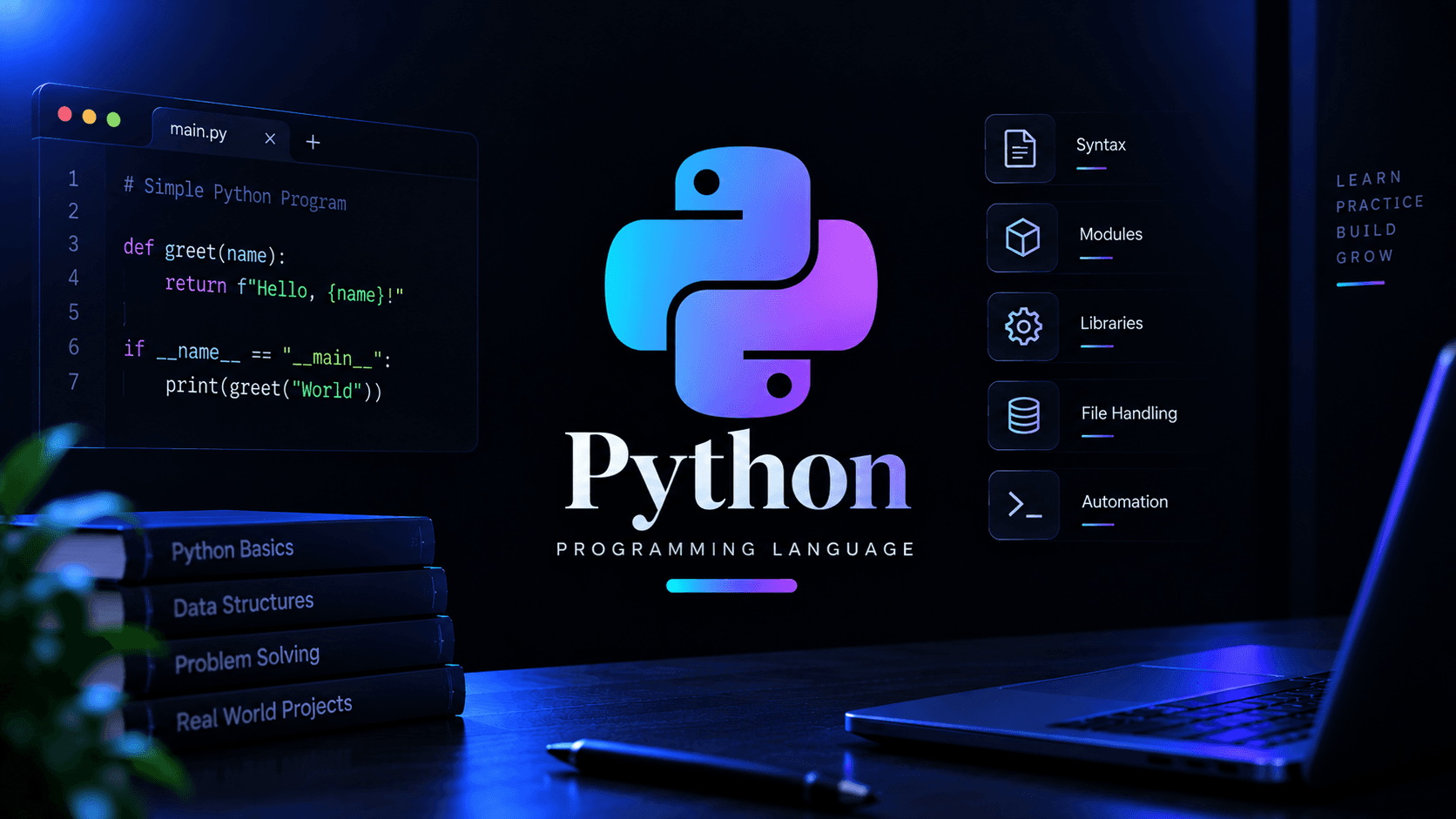
- Python was designed with a simple idea: make code easy to read and easy to write, especially compared to languages that require more code and rules
How Python code looks?
3. Where Python is actually used in real life
- Data science and analytics — Python is widely used to work with data using tools like Pandas and NumPy
- Artificial intelligence and machine learning — Python is one of the main languages used for building AI and machine learning applications, with tools like TensorFlow and PyTorch
- Web development — Python can be used to build the backend of websites and web applications using frameworks like Django and Flask
- Automation and scripting — Python can automate repetitive tasks, such as renaming files, processing data, or performing routine computer tasks
- Cybersecurity — Python is widely used for security tools, automation, network programming, and security testing
- Scientific computing — Python is used in research, simulations, experiments, and many areas of science and engineering
4. What Makes Python Special?
- Easy to read — Python's syntax is relatively simple and readable, which makes it a popular language for beginners
- Less code, more work done — Python often lets you perform a task using fewer lines of code compared to languages that require more syntax
- Huge library support — Python has thousands of libraries that provide ready-made tools for different types of projects
- Interpreted — Python programs are generally executed by a Python interpreter rather than being directly turned into machine code by the programmer
- Dynamically typed — you don't normally have to tell Python the type of a variable when creating it; Python determines the type while the program runs
- Massive community — Python has a huge developer community, so there are plenty of tutorials, documentation, libraries, and solutions available
5. Should you Learn Python First?
- Learn Python if you want a beginner-friendly programming language that is also powerful enough to build real-world applications
- Python is a good choice if you're interested in data science, AI/ML, automation, scripting, cybersecurity, or backend development
- Python is also great for learning programming logic and basic concepts, because its simple syntax lets you focus more on understanding the problem instead of worrying about complicated syntax
- If your goal is to build high-performance system software, game engines, or programs that need very detailed control over memory, you may eventually want to learn a language like C or C++ as well
- You can start with Python to build your programming foundation and confidence, then learn languages like C++, Java, or others depending on what you want to build
Python can feel almost too simple at first because you can write working programs with just a few lines of code. But don't let that simplicity make you skip the fundamentals. Understanding why Python works the way it does will help you become a much stronger programmer later.
6. Learning Path for Python
Basic
- Syntax and program structure — the basic rules and structure of a Python program
- Variables and data types — how you store different types of information, such as numbers, text, and True or False values
- Input and output — how a program takes information from the user and displays information back
- Operators — symbols used for calculations, comparisons, and other operations
- Conditions — how a program makes decisions using things like if, elif, and else
- Loops — how a program repeats a task without writing the same code again and again
- Functions — reusable blocks of code that perform a specific task
- Lists, tuples, and dictionaries — Python's main ways of storing and organizing multiple pieces of information
- Strings — how text is stored and handled in Python
- String formatting — ways to insert values into text neatly, such as using f-string
Intermediate
- Functions in depth — learning features like default arguments, *args, and **kwargs to make functions more flexible
- Modules and packages — organizing code into separate files and folders so it can be reused and managed more easily
- File handling — reading information from files and saving information into files
- Exception handling — dealing with unexpected problems in a controlled way using try, except, and finally
- Classes and objects — learning how Python uses classes and objects to organize larger programs
- Inheritance and polymorphism — creating new classes based on existing ones and allowing the same method to behave differently in different situations
- List comprehensions — a shorter and cleaner way to create lists
- Virtual environments — creating an isolated space for a project so its libraries don't interfere with other projects
- Working with libraries — installing and using external Python libraries with tools like pip
Advanced
- Decorators — special functions that can add or change the behavior of another function
- Generators and iterators — ways to work with data one piece at a time, which can save memory when working with large amounts of data
- Multithreading and multiprocessing — ways to handle multiple tasks at the same time
- Async programming (asyncio) — a way to handle many tasks efficiently when programs spend time waiting for things like network responses
- Working with APIs — sending and receiving data from other applications and services over the internet
- Regular expressions — a powerful way to search for specific patterns in text
- Testing — writing automated checks to make sure your code works correctly
- Performance optimization — finding ways to make Python programs use less time and resources when performance matters
Optional — pick based on what interests you, not because you need all of these to be good at Python
- Data science with Python (optional) — using libraries like Pandas, NumPy, and Matplotlib to work with and visualize data
- Machine learning (optional) — using tools like TensorFlow and PyTorch to build machine learning applications
- Web development with Python (optional) — building websites and APIs using frameworks like Django or Flask
- Automation and scripting (optional) — writing programs that automatically handle repetitive tasks
- Cybersecurity with Python (optional) — writing security tools, scripts, and automation for security work
- Game development (optional) — building games using libraries such as Pygame