Before understanding C, let's understand what actually programming is?
1. What is Programming?
Think of a computer like a very fast assistant
- Imagine you have an assistant who can work extremely fast
- You tell him what to do, and he completes the work quickly
- But you need to give him clear instructions step by step
- Once you give the instructions, he follows them and gets the work done
What is programming?
- Programming is simply telling a computer what to do
- For example: Take 10, take 20, add them, and show the answer
- The computer follows these instructions and gives us 30
- This process of giving instructions to a computer is called programming
- They can’t understand our languages like (Telugu ,English…)
- So we tell computers using programming languages like C ,Python ,…etc
2. What is C
- C is a programming language, Created by Dennis Ritchie at Bell Labs around 1972
- Before C, languages like BCPL and B were used. C was developed from these earlier languages.
- C was created while working on Unix , an operating system (software that controls and manages a computer)
- At that time, programmers needed a language that could
- Build important computer software
- Run fast
- Give them more control over the computer
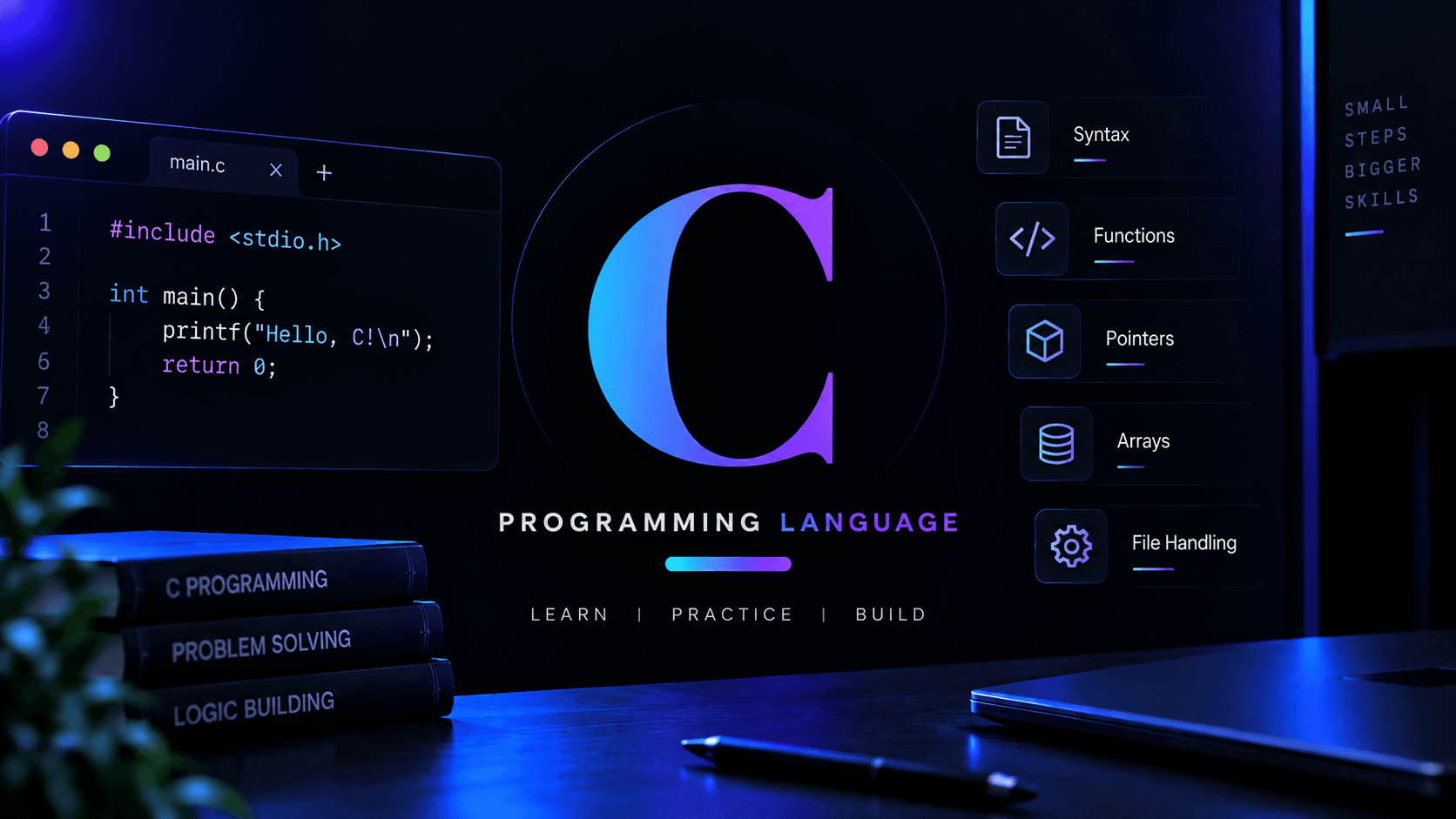
How C code looks ?
3. Where C actually used in real life
- Operating systems (software that manages a computer) like parts of Linux and Unix.
- Embedded systems (small computers inside devices) like cars, washing machines, and medical equipment.
- Networking (communication between computers) such as network devices and networking software.
- Game engines (software used to build games) where speed and performance are important.
4. What Makes C Special?
- More control — C gives you more control over how the computer works.
- Very fast — C can run very quickly with less extra work from the computer.
- Memory control — C lets you control how memory (computer working space) is used.
- Hardware connection — C can work closely with hardware (physical parts of a computer).
- Strong foundation — C helps you understand what happens inside a computer.
5.Should you Learn C First?
- Learn C if you want to understand how computers work behind the scenes
- C is a good choice if you are interested in computers, hardware, operating systems, networking, or cybersecurity
- C is also useful for building strong programming basics
- If your goal is simply to start building websites, apps, or simple projects quickly, you don't have to start with C
- You can start with languages like Python or JavaScript and learn C later when you want to explore deeper into how computers work
C can feel slower and harder to learn than languages like Python because you often write more code to do simple things. The beginning may feel less rewarding, but finding it difficult does not mean you're bad at programming — C simply takes more time and patience to get comfortable with.
5. Learning Path for C
Basic
Syntax and program structure — the basic rules and structure of a C program
Variables and data types — how you store different types of information, like numbers and letters
Input and output — how a program shows information and takes input from the user
Operators — symbols used for calculations, comparisons, and conditions
Conditions — how a program makes decisions using things like if and else
Loops — how a program repeats the same task without writing it again and again
Functions — reusable blocks of code that perform a specific task
Arrays — how you store multiple values of the same type together
Strings — how text is stored and handled in C
Recursion — when a function calls itself to solve a problem step by step
Intermediate
Pointers — variables that store the memory address of another variable
Dynamic memory — getting and using memory while the program is running
Structures — grouping different types of information together
Enums — giving names to a fixed set of choices
Unions — storing different types of data in the same memory space
File handling — reading and writing information to files
Preprocessor — instructions handled before the C program is compiled
Header files — files containing code and information that can be reused in programs
Command-line arguments — giving information to a program when you start it
Advanced
- Advanced pointers and memory management — working with memory more deeply and safely
- Function pointers — storing and using the address of a function
- Bit manipulation — working directly with the 0s and 1s used to represent data
- Data structures in C — building structures like linked lists, stacks, and queues
Optional — pick based on what interests you, not required to call yourself good at C:
- Multithreading basics (optional) — running multiple tasks at the same time
- System programming (optional) — writing programs that work closely with the operating system
- Networking basics (optional) — understanding how programs communicate over networks
- C with operating-system concepts (optional) — using C to understand processes, memory, and other parts of an operating system